The gap between agreed and a signed is where jobs die.
One link. Your client picks dates and signs — then the booking is confirmed. No account, no app, no “are you still free?” chains.
Pick your dates
Review & sign
Hard booked.

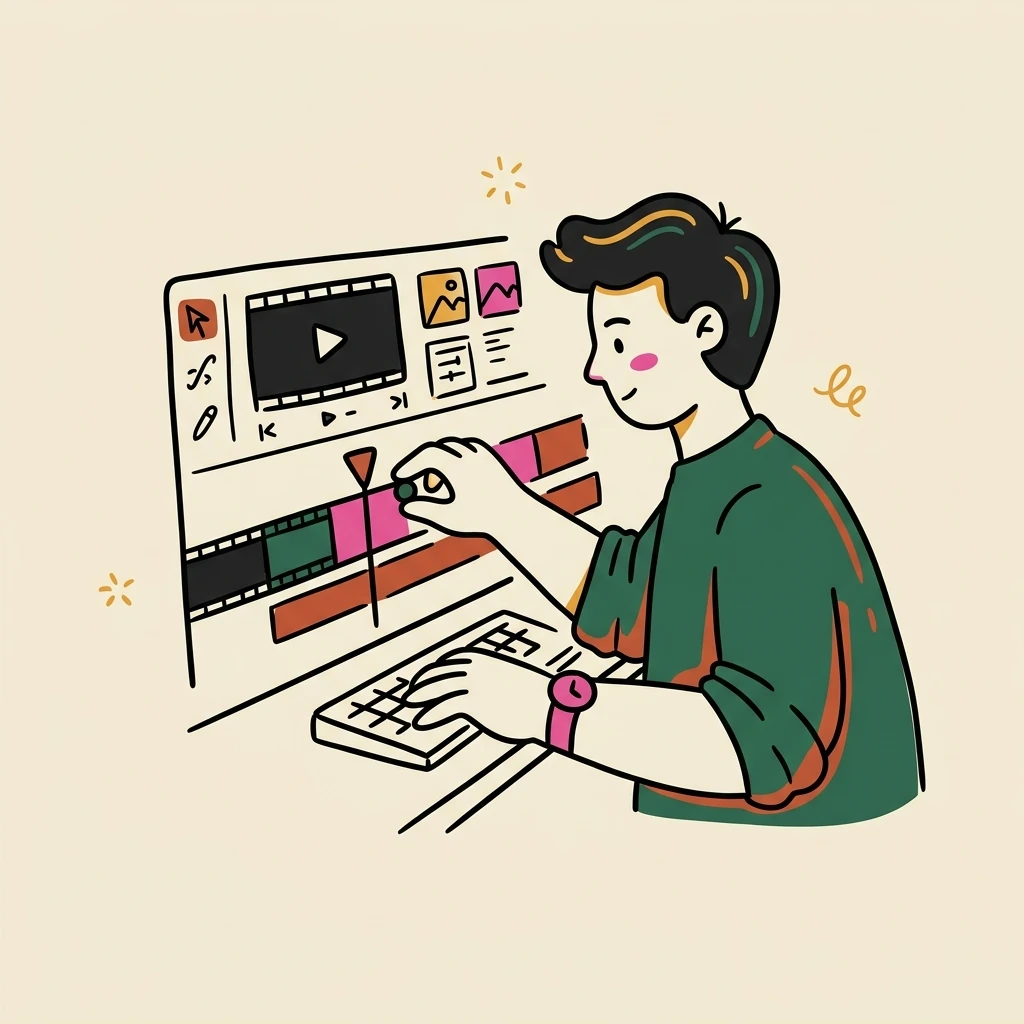



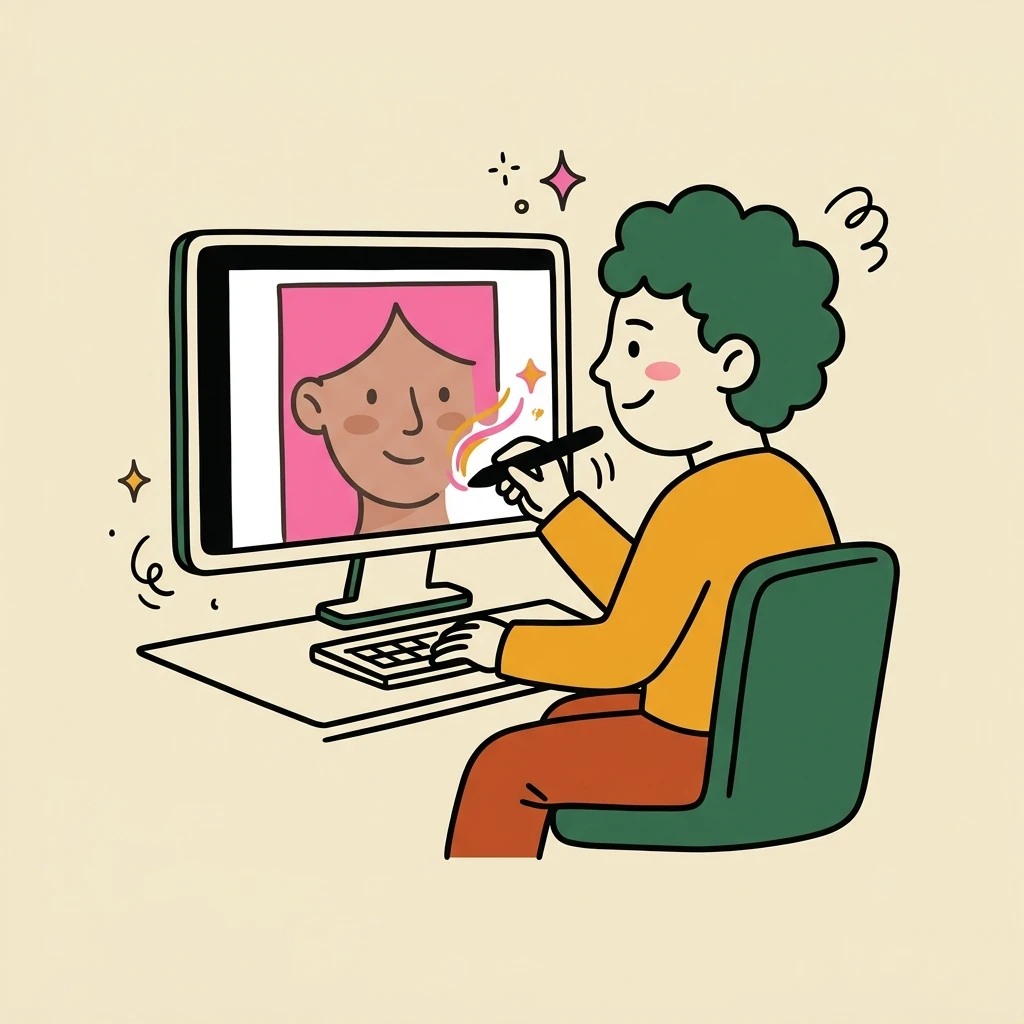


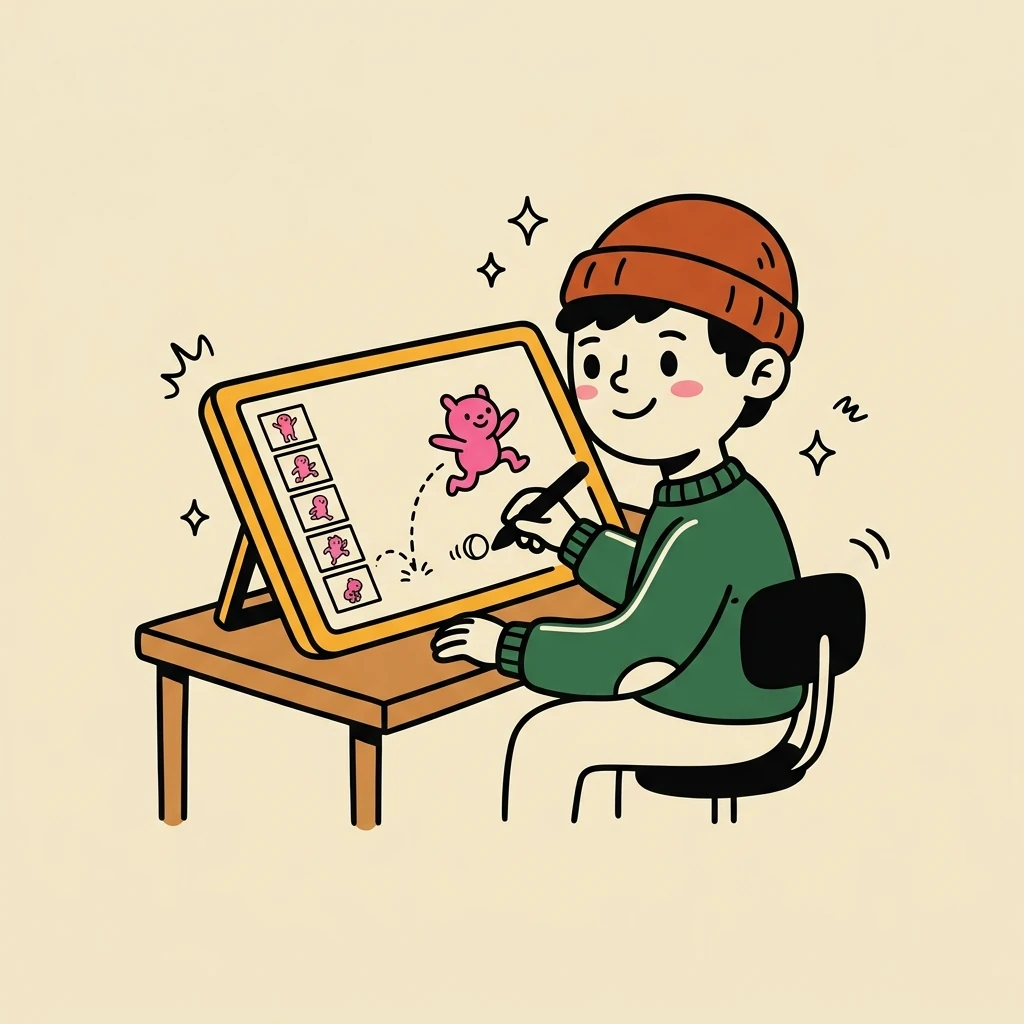

















The instant a signature lands, a maybe turns into a .
You already own a calendar and a contract. They don’t talk to each other.
Scheduling lives in one tool, signing in another, and the handoff between them is unguarded. So a date sits held but unsigned — which is the one state where it can still slip away.

Neither one keeps you from losing the deal .
Hardbook is made for you.
It does one job — turn a verbal “sounds good” into a locked, signed booking. Not a CRM. Not a project manager. Not an invoicing suite.
The portal looks like you
Your logo, your brand, your reel. Clients only ever see you — Hardbook stays invisible.
Held, or hard booked
Every date is either pencilled or hard booked. If two clients want the same day, the first to sign keeps it.
A deposit, the moment they sign
Take a deposit at signing — through your own Stripe, straight to you. Booked means the money's actually down.
You're not a lawyer. Good— you don't have to be.
Your contract isn't a separate document — it's part of the job. Book the work and it fills itself: client, dates, day-count, total, never typed twice. Your client signs it right there. Build it with simple tags, or hand it to the AI that knows them. Change any clause, it's yours — and the tax is worked in, so the number they sign is the number you keep.
- Day rate$550 / day
- Schedule8 days · locked
- Deposit25% up front
- Kill fee50% / 7 days
- PaymentNet 14
Set it up once. After that, it's just a link.
No migration, no onboarding call. Three steps you do one time — then the same link works forever.
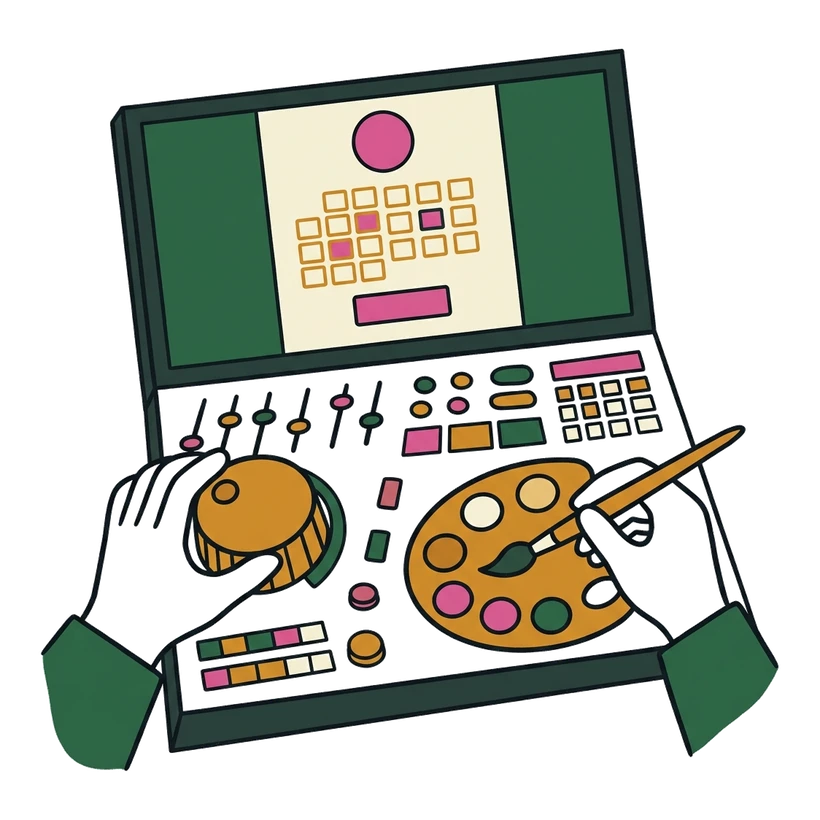
Set up your portal
Pick your day rate, connect Google Calendar, and write your contract template. Add your logo and background. Ten minutes, one time.
One link — paste it or embed it
Paste hard-book.com/you into an email, a bio, or a DM — or embed a live booking calendar straight onto your own site. The client opens it with no account.
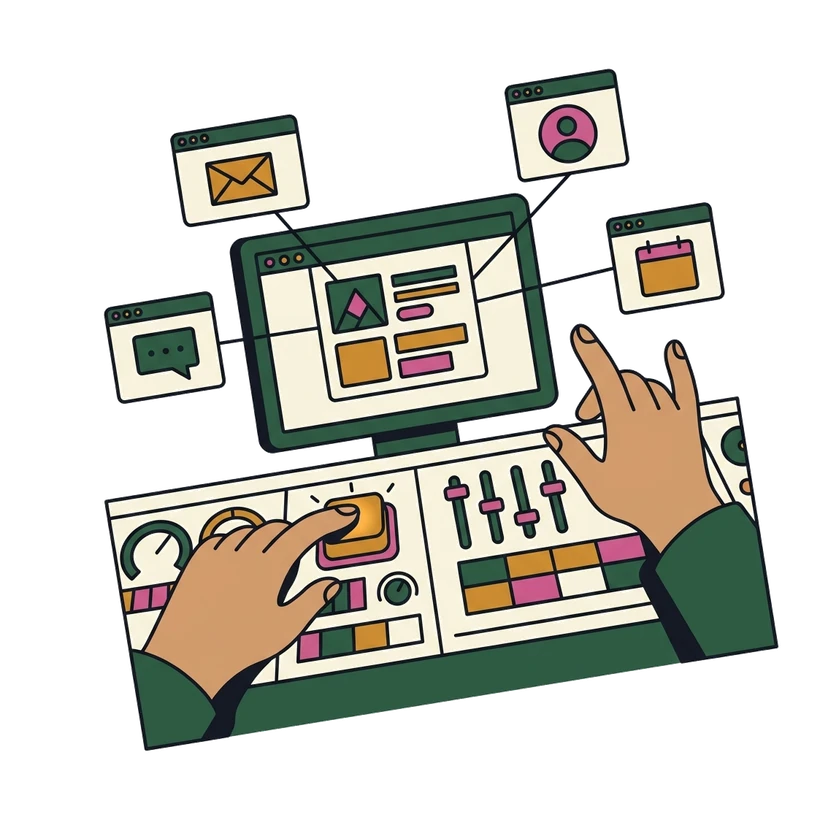

They book, sign, and pay
Dates picked, contract signed, deposit paid through your Stripe. The booking lands on your calendar — hard locked, money down.
For your client, it’s just a .
No app to install, no account to make, nothing to learn. They tap the link, pick dates, and sign — that’s the whole thing. And Hardbook remembers them, so the next booking is even shorter.

The questions a skeptic asks.
No. It opens as a link in any browser — phone or desktop. No account, no app, and no charge to them. Ever.
An MSA for new clients, an SOW for repeat ones. You write the templates once; Hardbook picks the right one for each booking automatically.
Then there is no booking and your calendar stays open. You haven't lost a date to a deal that never actually closed — which is the whole point.
Yes — signature, audit trail, and timestamps, with the same standing as any e-signature platform. The locked booking is backed by a real, enforceable agreement.
Yes. Monthly or annual, no lock-in tricks and no cancellation maze. Leave whenever it stops being useful.
Open a portal, send the link to a real client, and see how it .
If it doesn’t work for you — tell me what’s broken. I read every one of these.